GTA 6 file size and how to pre-load (PS5, Xbox Series X|S)
GTA VI needs up to 212 GB. Pre-load times, storage needed and what to do with a code-in-box copy, so you can play the moment it unlocks.
By pasha naeimUpdated 2 min read
GTA VI's file size is up to 212 GB, depending on your console. Pre-loading opened on November 10 so the game is ready to play the moment it unlocks on November 19, 2026.
File size by platform
| Platform | Download size | Free space to leave |
|---|---|---|
| PlayStation 5 / PS5 Pro | Up to 212 GB | About 250 GB |
| Xbox Series X | Up to 212 GB | About 250 GB |
| Xbox Series S | Up to 212 GB | About 250 GB (the internal drive has about 364 GB usable) |
| Xbox Cloud Gaming | None, it streams | None |
Rockstar gives one figure, "up to 212 GB depending on your console", and hasn't published a per-console breakdown. The extra headroom in the last column is our suggestion: installs unpack temporarily and updates need room.
Day-one patch: Rockstar hasn't published a size. Leave the console in rest mode on November 18 so any update downloads before you sit down to play. We'll add the size here once it's known.
Before you start
- Free up to 212 GB, ideally around 250 GB.
- Pre-order digitally, or buy a physical copy (see below). Compare prices and editions first.
PlayStation 5
- Pre-order Grand Theft Auto VI on the PlayStation Store.
- Pre-loading began at midnight local time on November 10.
- Open the game from your library and choose Download, or let automatic downloads handle it.
Xbox Series X|S
- Pre-order on the Microsoft Store.
- Pre-loading began globally at 12 a.m. GMT on November 10.
- Install from My games & apps > Full library > Owned games.
Code-in-box copies
Physical copies hold a download code, not the full game. They reach retailers from November 12. Redeem the code on your console's store, then the pre-load starts like a digital copy.
Xbox One owners
There is no Xbox One version, but you can play through Xbox Cloud Gaming using Xbox Series S graphics settings. Nothing to pre-load.
Official help: Rockstar Support. Next: the launch week checklist.
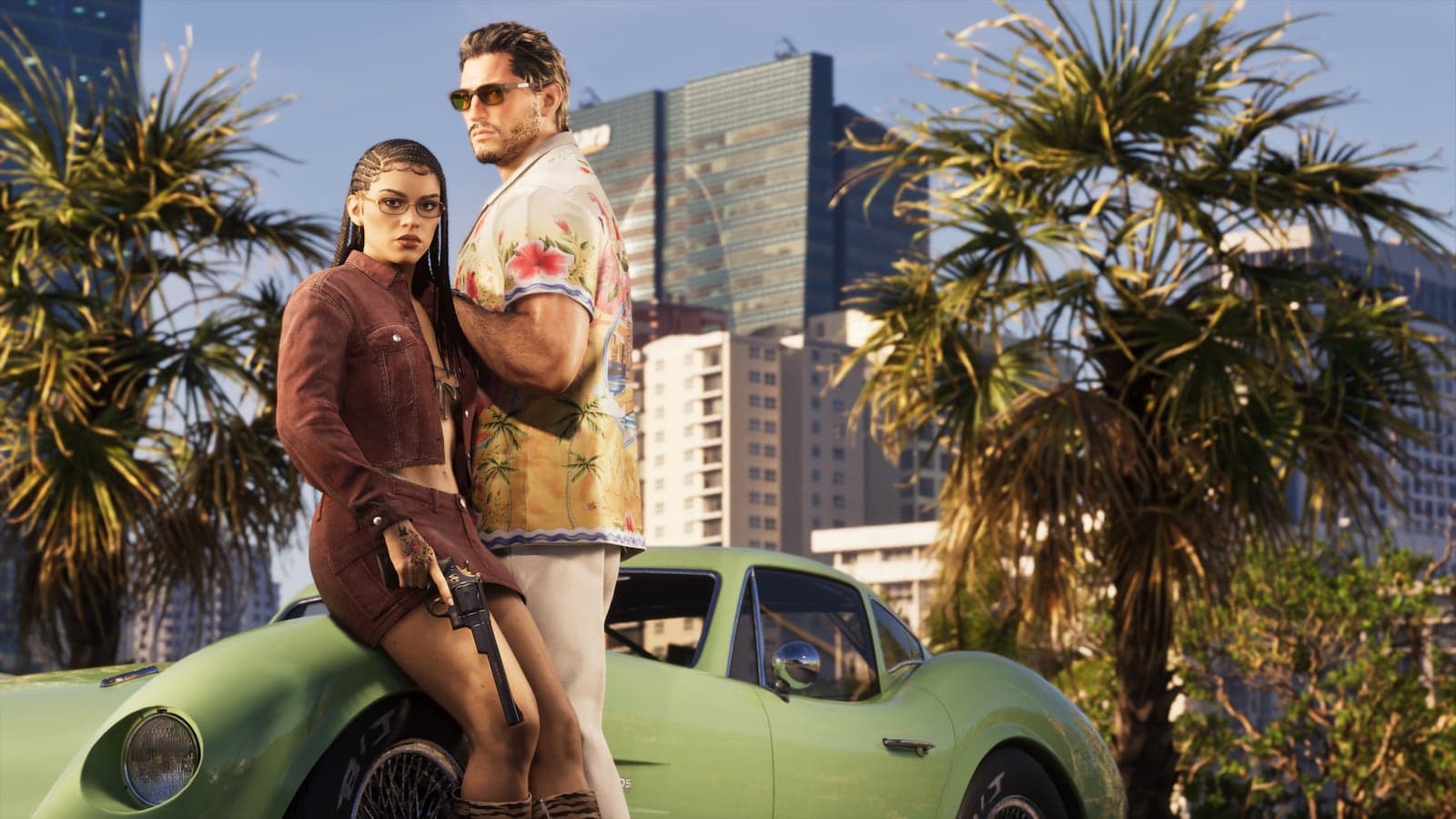
Based on official information from Rockstar Games. Cover image: official screenshot © Rockstar Games.
Was this guide useful?
Comments (0)
No comments yet. Be the first to add one.
Log in to join the conversation.
Log in